
This quick guide will help you install mods for the game MENACE.
First, download MelonLoader. Make sure to enable Nightly Builds to install the latest version. This is important because MENACE uses a recent Unity version, and older loaders may have issues reading the game files. For example, even the latest version of BepInEx does not work with this game.
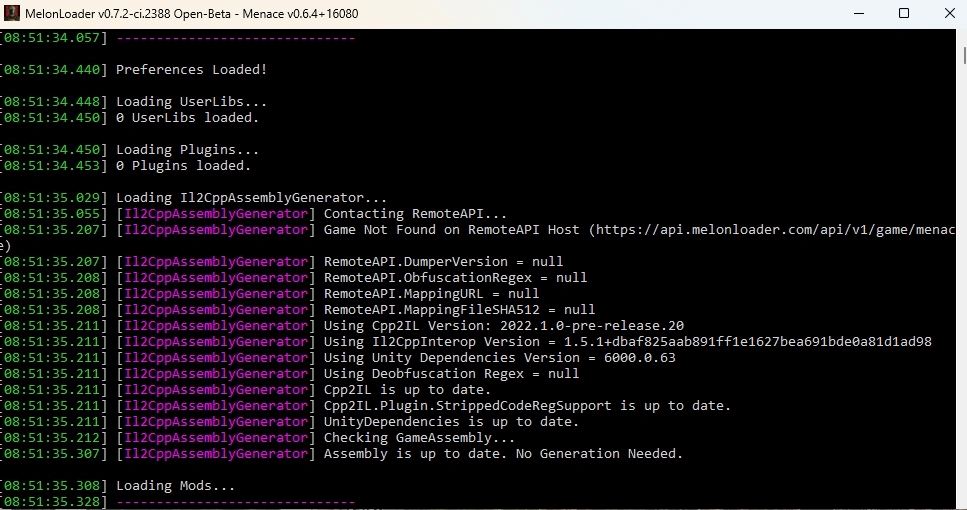
Next, launch the game. If the MelonLoader console appears, everything is set up correctly:
Finally, to install a mod, place the .dll file (and any other files or folders included in the mod archive) into the Menace\Mods folder.