Unity Explorer

You need this tool if you want to mod MENACE.
UnityExplorer is an in-game developer tool that allows you to explore, debug, and modify MENACE game in real-time, since it is built on Unity. It is essentially a powerful “inspector” that lets you look inside a running game’s engine.
Core Features
- Scene Explorer: View the entire hierarchy of game objects currently active in the scene.
- Inspector: Edit properties of any object, such as influence, money, and others, while the game is running.
- C# REPL Console: Write and execute C# code on the fly to test scripts or trigger game events without restarting.
- Hook Manager: Use the built-in Harmony support to “hook” (intercept) game methods, allowing you to change their behavior or view their parameters.
- Object Search: Find specific classes, singletons, or static variables quickly to build your mods.
- Tested by menacemods.com: This version of Unity Explorer is 100% compatible with MelonLoader and MENACE.
Why it is critical for MENACE
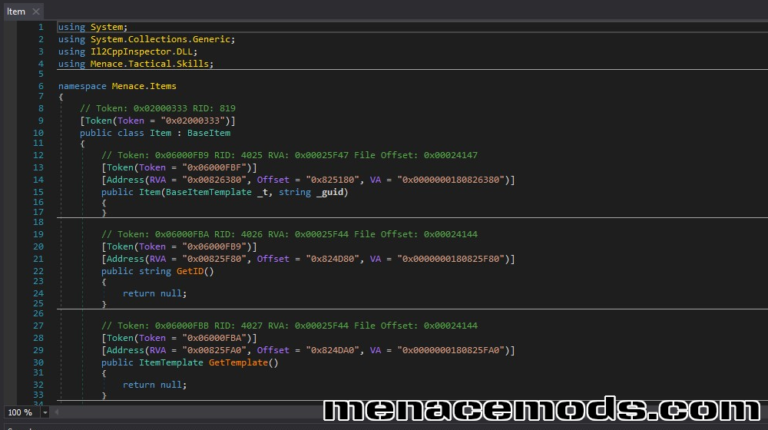
In IL2CPP games, including MENACE, the original C# code is converted into C++, making the source files unreadable and difficult to modify directly. UnityExplorer bridges this gap:
- Live Metadata Access: It reads the game’s reflection metadata at runtime, allowing you to see class and method names that are otherwise hidden in the compiled binaries.
- Real-time Discovery: Instead of guessing how a game mechanic works, you can observe how properties change in the inspector as you play.
- Testing Hooks: For IL2CPP, writing a mod often involves complex “unhollowing” of code. UnityExplorer lets you test if a specific method can be successfully patched before you spend hours writing a formal mod.
Requires: MelonLoader
Author: yukieiji
How to Install
- Make sure you have MelonLoader installed.
- Download the archive and unzip it to the game’s root folder where Menace.exe is located.
- Start the game and explore!